Subtotal $0.00



Email : 1
Introduction
Artificial Intelligence is no longer only for big tech companies. In 2026, even small businesses and startups can build their own AI agent. An AI agent can automate customer support, qualify leads, manage workflows, generate reports, and even help in marketing. The best part is that you do not need to be a programmer to build your first AI agent for business.
Many founders waste time on repetitive tasks like answering the same customer questions, updating CRM, sending follow-ups, or qualifying leads. These tasks can easily be handled by an AI agent. By building your first AI agent, you can save time, reduce costs, and focus on growing your business.
In this step-by-step guide, we will explain everything in simple language. You will learn what an AI agent is, how it works, what tools you need, and how to build your first AI agent for business successfully.
What Is an AI Agent?
An AI agent is a smart software system that:
- Observes data
- Makes decisions
- Takes actions
- Learns from results
Unlike a basic chatbot, an AI agent can:
- Connect with tools
- Use APIs
- Analyze customer behavior
- Automate workflows
- Make intelligent decisions
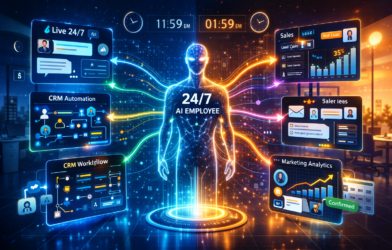
In simple words, an AI agent works like a digital employee.
Why Your Business Needs an AI Agent
Before building one, understand the benefits.
Businesses today face challenges like:
- High workload
- Limited staff
- Delayed responses
- Missed leads
- Manual processes
An AI agent can:
- Work 24/7
- Respond instantly
- Automate repetitive tasks
- Improve efficiency
- Reduce operational cost
Even small businesses can benefit from AI automation.
Core Components of an AI Agent


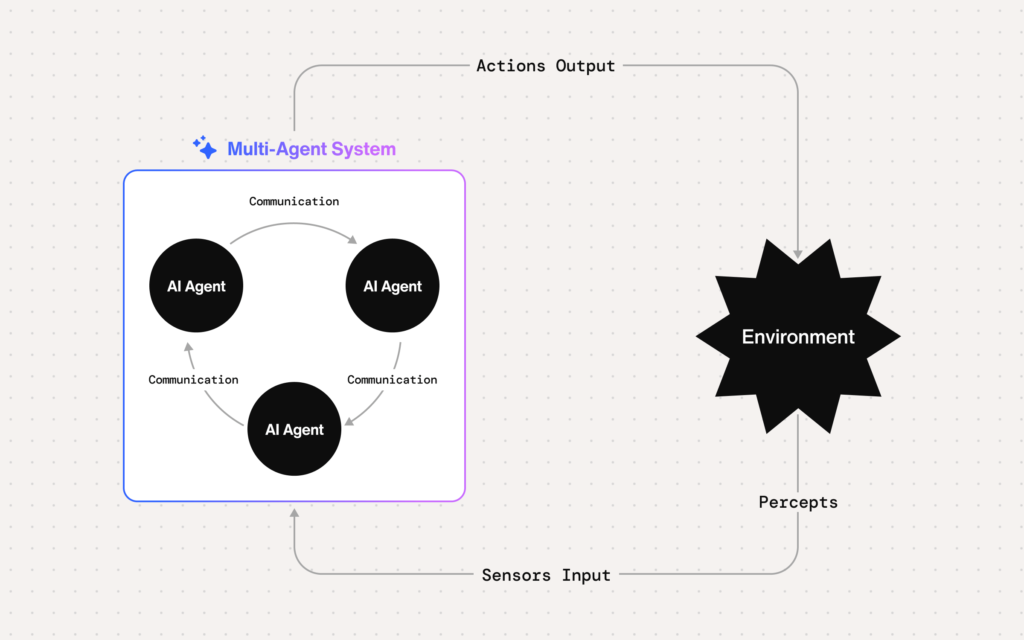
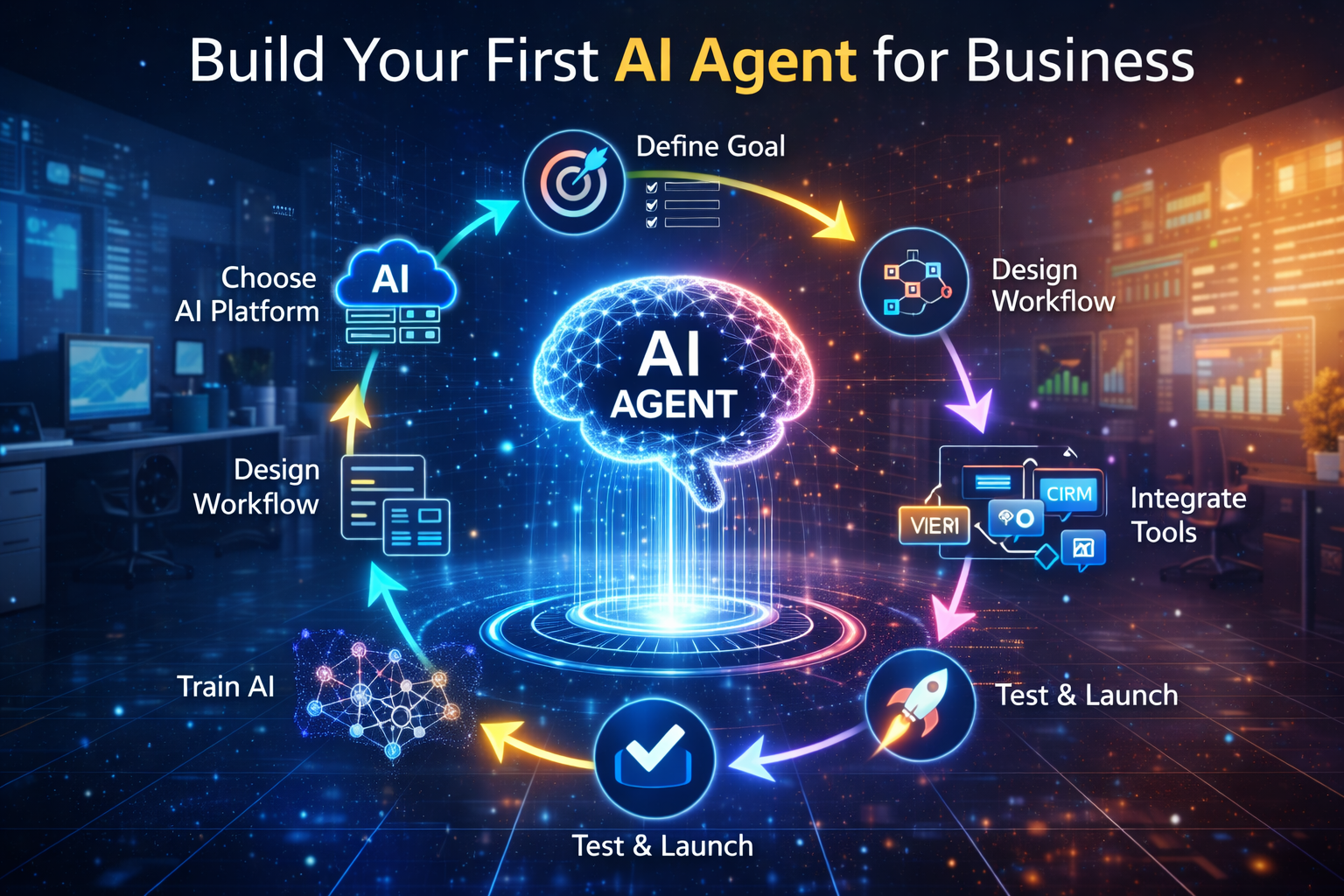
Before building your AI agent, you must understand its structure.
1. Input Layer (Perception)
This layer collects information from:
- Website forms
- Emails
- Chat messages
- CRM data
- Social media
2. Brain (Reasoning Engine)
This is powered by AI models from companies like:
- OpenAI
This layer decides:
- What action to take
- How to respond
- Which workflow to trigger
3. Memory System
Stores:
- Customer history
- Lead information
- Conversation logs
- Business data
4. Action Layer
This layer performs tasks like:
- Sending emails
- Updating CRM
- Booking meetings
- Generating reports
Step-by-Step Guide to Building Your First AI Agent
Now let us build it practically.
Step 1: Define the Purpose
Do not try to automate everything at once.
Choose one task, for example:
- Lead qualification
- Customer support
- Appointment booking
- Report generation
Clarity is important.
Step 2: Choose the Right AI Platform
Select a reliable AI provider.
Popular options include:
- OpenAI
Check:
- API availability
- Pricing
- Security
- Customization options
Step 3: Select Automation Tools
To build your AI agent, you need integration tools such as:
- CRM software
- Email platforms
- Chatbot builders
- Workflow automation tools
CRM platforms like HubSpot allow easy automation.
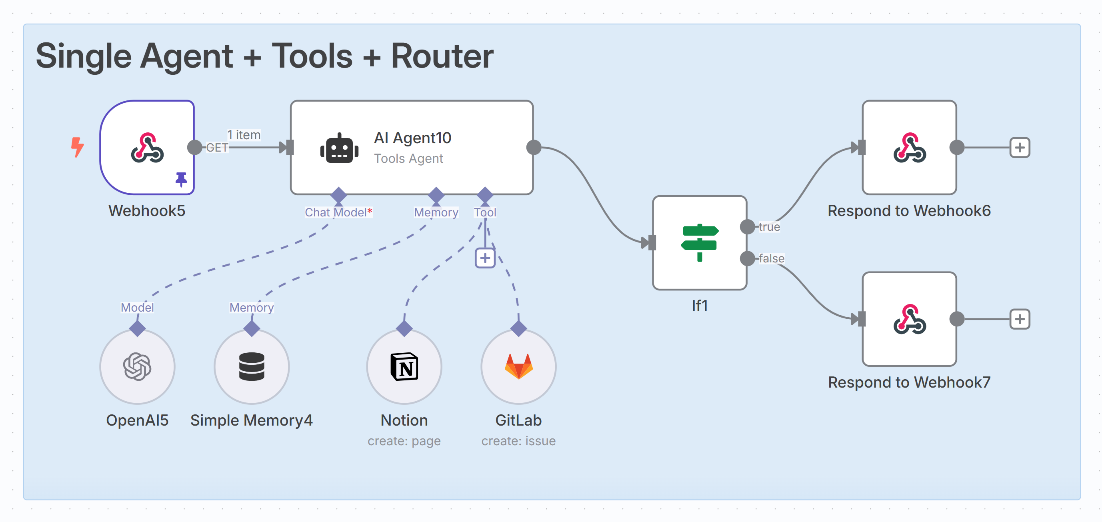
Step 4: Map Your Workflow
Create a simple workflow diagram.
Example:
Visitor fills website form →
AI analyzes details →
If qualified → Send meeting link →
If not qualified → Send follow-up email
Keep workflows simple in the beginning.
Step 5: Train Your AI Agent
Provide it with:
- Business information
- FAQs
- Sales scripts
- Brand tone guidelines
- Product details
The better the training, the better the results.
Step 6: Integrate Tools Using APIs
Connect your AI to:
- Email systems
- CRM
- Calendar
- Marketing tools
This allows your AI agent to take real actions.
Step 7: Add Decision Rules
Define clear rules like:
- If budget > $1000 → Schedule call
- If query is technical → Escalate to human
- If customer inactive for 7 days → Send reminder
This improves performance.
Step 8: Test Before Launch
Run test scenarios:
- Fake lead submission
- Customer complaint
- Appointment booking
Check if AI responds correctly.
Step 9: Launch in Limited Mode
Start with:
- One channel (like website chatbot)
- Limited audience
- Beta testing
Monitor performance carefully.
Step 10: Optimize Continuously
Track metrics such as:
- Response time
- Conversion rate
- Error rate
- Customer satisfaction
Improve regularly.
Real-World Example: Building an AI Sales Agent
Imagine you run a digital marketing agency.
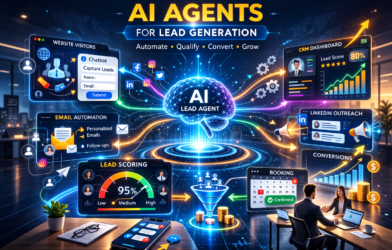
Your AI sales agent can:
- Chat with website visitors.
- Ask qualification questions.
- Score leads.
- Book strategy calls.
- Send confirmation email.
- Update CRM automatically.
You only attend qualified calls.
Common Mistakes to Avoid
Many beginners make these mistakes:
- Trying to automate everything at once
- Not defining clear goals
- Ignoring data privacy
- Not monitoring AI performance
- Over-trusting automation
Always combine AI with human oversight.
Cost of Building Your First AI Agent
Costs may include:
- AI API subscription
- Automation tool subscription
- Developer support (optional)
- CRM integration
However, AI reduces long-term staff costs.
Benefits of Building Your Own AI Agent
By building your first AI agent, you get:
- Faster response time
- Higher productivity
- Reduced workload
- Better customer experience
- Scalable systems
- Competitive advantage
AI helps businesses grow faster.
Future of AI Agents in Business
In coming years, we may see:
- Multi-agent business systems
- Fully automated marketing departments
- AI-powered finance assistants
- Autonomous decision-making agents
- AI-driven operations management
Early adopters will benefit the most.
Frequently Asked Questions (FAQs)
1. Do I need coding skills to build an AI agent?
Basic knowledge helps, but many no-code tools are available.
2. How long does it take to build an AI agent?
Simple agents can be built within a few days.
3. Is AI safe for customer interactions?
Yes, when properly configured and monitored.
4. Can small businesses use AI agents?
Yes. AI agents are scalable and affordable for small businesses.
5. What is the best first AI agent to build?
Start with lead qualification or customer support.
Conclusion
Building your first AI agent for business in 2026 is easier than ever. With the right tools, clear goals, and simple workflows, even small businesses can automate tasks and increase productivity. AI agents help founders reduce manual work, respond faster to customers, and scale operations efficiently.
Do not wait for the future. Start small, test carefully, and improve continuously. Your first AI agent could become your most valuable digital employee.
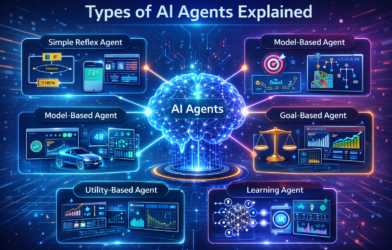
Read More Blog–Types of AI Agents Explained with Real-World Examples