



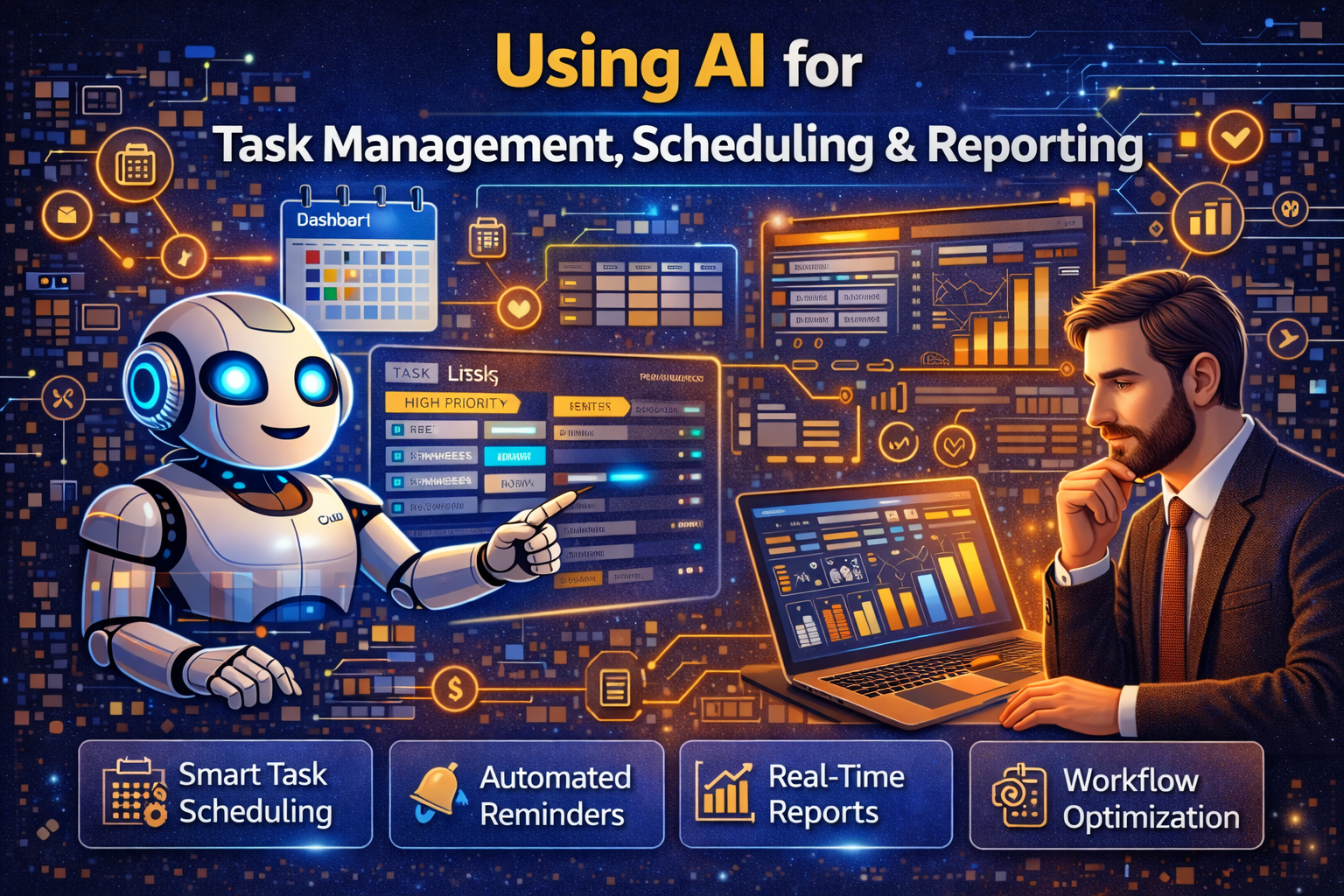
Managing tasks, schedules, and reports is a daily challenge for students, professionals, startups, and businesses. Many people feel stressed because they have too many tasks, tight deadlines, and constant reporting work. This is why many people are now searching for using AI for task management, scheduling & reporting.
Artificial Intelligence is changing how we work. AI tools can plan tasks, schedule meetings, send reminders, and even create reports automatically. Instead of spending hours organizing work, people can now focus on important decisions and creativity.
This article is written in very simple grammar so that anyone can understand it easily. You do not need technical knowledge to use AI tools. This guide explains how AI helps manage tasks, schedule work, and generate reports in a genuine and practical way. If you want to save time, reduce stress, and work smarter, this article will answer all your questions step by step.
What Does Using AI for Task Management Mean?
Before going deeper, it is important to understand what task management with AI really means.
Using AI for task management means using artificial intelligence tools to plan, track, prioritize, and complete tasks automatically or semi-automatically. AI understands deadlines, workload, and priorities, and helps users stay organized.
AI task management tools do not just store tasks. They think, analyze, and suggest better ways to complete work. This makes daily work simpler and more organized.
What Is AI Scheduling?
Scheduling is about managing time. Many people struggle to manage meetings, deadlines, and daily routines.
AI scheduling means using AI tools to automatically plan meetings, assign time slots, and adjust schedules when changes happen. AI can check calendars, availability, and urgency before creating schedules.
AI scheduling reduces conflicts and saves time that is usually wasted in manual planning.
What Is AI Reporting?
Reporting is one of the most time-consuming tasks in any job or business.
AI reporting means using AI tools to collect data, analyze it, and generate reports automatically. These reports can be daily, weekly, or monthly.
AI reporting tools turn raw data into easy-to-understand summaries, charts, and insights.
Why Using AI for Task Management, Scheduling & Reporting Is Important
Work pressure is increasing everywhere. Manual methods are slow and tiring.
Using AI is important because:
- Workload is increasing
- Time is limited
- Accuracy is important
- Decisions must be fast
AI helps people manage work efficiently without burnout.
How AI Helps in Task Management
AI plays a major role in organizing and completing tasks.
Smart Task Prioritization
AI analyzes deadlines, importance, and workload before prioritizing tasks.
This helps users focus on what matters most.
AI task prioritization helps by:
- Reducing confusion
- Avoiding missed deadlines
- Improving productivity
Automated Task Creation
AI can create tasks automatically from emails, chats, or meetings.
This reduces manual entry and saves time.
This feature helps by:
- Capturing tasks instantly
- Reducing human error
- Keeping work organized
Task Progress Tracking
AI tracks task completion and alerts users when delays occur.
This helps by:
- Monitoring progress
- Improving accountability
- Reducing follow-ups
How AI Helps in Scheduling
Scheduling is one of the most stressful parts of work.
Automatic Meeting Scheduling
AI checks calendars and finds the best time for meetings.
This avoids long email chains.
AI scheduling helps by:
- Saving planning time
- Reducing conflicts
- Improving coordination
Smart Time Blocking
AI divides the day into focused work slots and break times.
This helps by:
- Improving focus
- Reducing burnout
- Managing energy levels
Adaptive Scheduling
If a task is delayed, AI automatically adjusts the schedule.
This helps by:
- Handling changes smoothly
- Keeping work on track
- Reducing stress
How AI Helps in Reporting
Reporting is critical but often boring.
Automatic Data Collection
AI collects data from different tools and systems.
This helps by:
- Reducing manual work
- Improving data accuracy
- Saving time
Smart Data Analysis
AI finds patterns, trends, and problems in data.
This helps by:
- Making reports meaningful
- Supporting better decisions
- Avoiding guesswork
Report Generation
AI creates clear reports with summaries and visuals.
This helps by:
- Making reports easy to understand
- Improving communication
- Saving reporting hours
Benefits of Using AI for Task Management, Scheduling & Reporting
AI brings many benefits to daily work.
Key Benefits Include:
- Time savings
- Better organization
- Reduced stress
- Improved accuracy
- Higher productivity
People who use AI tools often complete more work in less time.
Who Can Use AI Task Management and Scheduling Tools?
AI tools are useful for everyone.
Students
Students use AI to:
- Manage assignments
- Plan study schedules
- Track deadlines
Professionals
Professionals use AI to:
- Organize tasks
- Schedule meetings
- Create reports
Startups and Businesses
Businesses use AI to:
- Manage teams
- Track performance
- Automate reporting
Common Mistakes to Avoid When Using AI Tools
AI tools are powerful but must be used wisely.
Over-Automation
Relying fully on AI without human review can cause problems.
Ignoring Customization
AI tools work best when customized to user needs.
Not Reviewing Reports
AI reports should always be checked for accuracy.
How to Start Using AI for Task Management
Starting with AI is easier than many people think.
Simple Steps to Start:
- Identify repetitive tasks
- Choose one AI tool
- Start with basic features
- Review results
- Expand gradually
Small steps bring big improvements.
Future of AI in Task Management and Reporting
The future of work is smart and automated.
Upcoming trends include:
- Voice-based task management
- Predictive scheduling
- Real-time AI dashboards
- Fully automated reporting
AI will become a daily work assistant for everyone.
Frequently Asked Questions (FAQs)
1. What does using AI for task management mean?
It means using AI tools to plan, organize, and track tasks automatically.
2. Can AI really save time in scheduling?
Yes. AI scheduling tools reduce planning time and avoid conflicts.
3. Are AI reporting tools accurate?
Yes, but reports should always be reviewed by humans.
4. Do I need technical skills to use AI tools?
No. Most AI tools are user-friendly and easy to use.
5. Are AI task management tools expensive?
Many AI tools offer free or affordable plans.
6. Can small teams use AI tools?
Yes. AI tools are very helpful for small teams and startups.
7. Is AI safe for work data?
Yes, if trusted tools and proper security practices are used.
Final Conclusion
Using AI for task management, scheduling & reporting is no longer optional in today’s fast-paced world. AI helps people organize work, manage time, and understand data easily. From students to startups and large businesses, everyone can benefit from AI-powered productivity tools.
AI does not replace humans. It supports them by handling repetitive tasks and providing insights. By starting small and using AI wisely, anyone can work smarter, reduce stress, and achieve better results.
The future of productivity belongs to those who use AI intelligently — and now is the best time to start.
Read More Blog–How AI Can Personalise Marketing at Scale