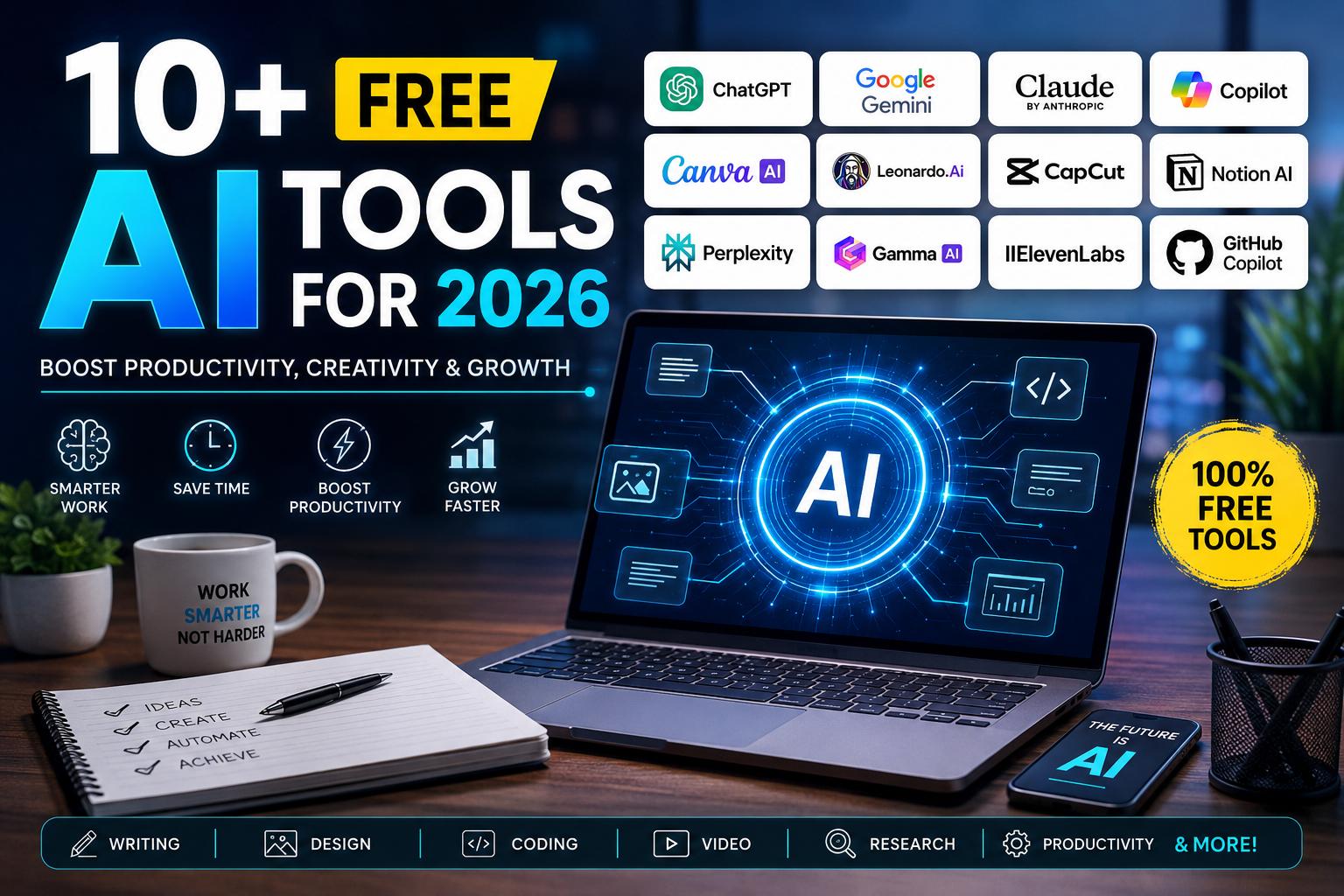
Artificial Intelligence has become one of the most useful technologies in everyday life. Whether you are a student, freelancer, business owner, content creator, marketer, developer, or office employee, AI can help you finish work faster and with better quality. The best part is that many powerful AI tools are available for free.
In 2026, AI is no longer limited to large companies. Today, anyone with an internet connection can use AI for writing articles, creating images, making videos, coding websites, analyzing documents, translating languages, designing graphics, and even managing business tasks.
Many people believe they need expensive AI software to get good results. That is not true. There are dozens of excellent free AI tools that offer enough features for daily work.
In this guide, you will discover more than 10 free AI tools for 2026. You will learn what each tool does, its best features, who should use it, its advantages, limitations, and practical use cases. By the end of this article, you will know exactly which AI tools are worth using in 2026 without paying anything.
Why Free AI Tools Are More Important Than Ever
Artificial Intelligence is changing how people work. Tasks that once required hours can now be completed in minutes.
Instead of hiring multiple professionals, individuals and small businesses can use AI to increase productivity.
Some common benefits include:
- Faster content creation
- Better writing quality
- Quick image generation
- Easy video editing
- Faster coding
- Smart research
- Better customer support
- Time-saving automation
- Improved productivity
- Lower business costs
This is why millions of people now search for free AI tools before purchasing expensive software.
What Makes a Good Free AI Tool?
Not every AI tool is worth your time. The best free AI tools should provide real value without requiring expensive subscriptions.
A good AI tool should offer:
- Easy interface
- Fast performance
- Reliable outputs
- Free daily usage
- Multiple features
- High accuracy
- Good privacy practices
- Regular updates
Now let’s explore the best free AI tools available in 2026.
1. ChatGPT
ChatGPT remains one of the most popular AI assistants in the world. It helps users answer questions, write content, solve coding problems, brainstorm ideas, summarize documents, and learn new topics.
The free version is powerful enough for most daily tasks.
Best Features
- Writing assistance
- Email generation
- Coding help
- Brainstorming
- Content summaries
- Language translation
- Learning support
Best For
- Students
- Bloggers
- Businesses
- Developers
- Teachers
- Freelancers
Pros
- Easy to use
- Fast responses
- Multiple use cases
- High-quality writing
Limitations
- Some advanced features require paid plans.
2. Google Gemini
Google Gemini has become a strong AI assistant that works well with Google’s ecosystem.
It helps users research topics, summarize information, create content, and answer complex questions.
Best Features
- Google integration
- Document analysis
- Web assistance
- Writing support
- Research help
Best For
- Students
- Researchers
- Professionals
Pros
- Strong search capabilities
- Easy integration
- Free access
Limitations
- Advanced features require subscription.
3. Claude
Claude is known for producing natural and thoughtful responses. It performs exceptionally well when working with long documents.
It is popular among professionals who need detailed writing.
Best Features
- Long document support
- Better reasoning
- Content writing
- Business reports
- Research summaries
Best For
- Writers
- Businesses
- Researchers
Pros
- Excellent writing quality
- Handles large documents
- Human-like responses
Limitations
- Daily usage limits may apply.
4. Microsoft Copilot
Microsoft Copilot integrates AI into everyday productivity tasks.
It assists users with documents, spreadsheets, presentations, and coding.
Best Features
- Office integration
- AI writing
- Coding help
- Excel assistance
- PowerPoint generation
Best For
- Office workers
- Students
- Businesses
Pros
- Productivity focused
- Works with Microsoft ecosystem
Limitations
- Some premium features require Microsoft subscriptions.
5. Perplexity AI
Perplexity AI focuses on research. It provides answers with references, making it useful for learning and fact-checking.
Best Features
- AI search engine
- Source citations
- Research assistance
- Fast answers
Best For
- Students
- Journalists
- Researchers
Pros
- Reliable information
- Easy navigation
- Accurate summaries
Limitations
- Some advanced models are limited in the free version.
6. Canva AI
Canva AI has become one of the easiest design platforms for beginners.
It helps users create posters, social media graphics, presentations, logos, and marketing materials.
Best Features
- AI image generation
- Magic Design
- Background remover
- Presentation maker
- Social media templates
Best For
- Small businesses
- Designers
- Marketers
Pros
- Beginner friendly
- Huge template library
- Fast editing
Limitations
- Premium templates require payment.
7. Leonardo AI
Leonardo AI is one of the best free AI image generators available.
Users can create realistic artwork, illustrations, gaming assets, product images, and marketing visuals.
Best Features
- AI image generation
- High-quality artwork
- Multiple art styles
- Commercial designs
Best For
- Graphic designers
- Game developers
- Marketing agencies
Pros
- High-quality images
- Free daily credits
Limitations
- Credit limits for free users.
8. CapCut AI
CapCut now includes several AI-powered video editing features.
It helps users create videos for YouTube, Instagram, TikTok, and businesses.
Best Features
- Auto captions
- AI voice
- Video editing
- AI effects
- Background removal
Best For
- Content creators
- Businesses
- Influencers
Pros
- Easy editing
- Mobile friendly
- Fast exports
Limitations
- Some AI features require premium plans.
9. Notion AI
Notion AI improves productivity by helping users organize work.
It can summarize notes, create documents, write reports, and manage projects.
Best Features
- AI summaries
- Task management
- Writing help
- Knowledge organization
Best For
- Teams
- Students
- Businesses
Pros
- Great productivity tool
- Clean interface
Limitations
- AI usage limits in free plans.
10. GitHub Copilot Free
Developers can now use GitHub Copilot Free for coding assistance.
It speeds up software development and reduces repetitive work.
Best Features
- Code completion
- Bug fixing
- Code explanation
- Multiple language support
Best For
- Developers
- Students
- Software engineers
Pros
- Faster coding
- High productivity
Limitations
- Monthly usage limits.
11. Gamma AI
Gamma AI creates presentations within minutes.
Instead of designing every slide manually, users simply provide a prompt.
Best Features
- AI presentations
- Reports
- Documents
- Modern templates
Best For
- Business professionals
- Teachers
- Students
Pros
- Saves time
- Attractive designs
Limitations
- Export options are limited in free plans.
12. ElevenLabs
ElevenLabs has become one of the best AI voice generators.
It creates realistic voices for videos, podcasts, audiobooks, and business presentations.
Best Features
- Natural AI voices
- Multiple languages
- Voice cloning
- Audio generation
Best For
- YouTubers
- Podcasters
- Businesses
Pros
- Excellent voice quality
- Easy interface
Limitations
- Voice cloning has restrictions in free plans.
Comparison of the Best Free AI Tools for 2026
Choosing the right AI tool depends on your work. Some tools are better for writing, while others focus on design, coding, videos, or research.
| AI Tool | Best For | Free Plan |
|---|---|---|
| ChatGPT | Writing & Productivity | Yes |
| Google Gemini | Research | Yes |
| Claude | Long Writing | Yes |
| Microsoft Copilot | Office Work | Yes |
| Perplexity AI | AI Search | Yes |
| Canva AI | Graphic Design | Yes |
| Leonardo AI | AI Images | Yes |
| CapCut AI | Video Editing | Yes |
| Notion AI | Productivity | Yes |
| GitHub Copilot | Coding | Yes |
| Gamma AI | Presentations | Yes |
| ElevenLabs | Voice Generation | Yes |
How to Choose the Right AI Tool
Different people have different needs. Choosing the right AI tool depends on the type of work you do every day.
If your goal is content writing, choose ChatGPT or Claude. For research, Perplexity AI and Google Gemini are excellent choices. Designers should consider Canva AI or Leonardo AI, while developers can benefit from GitHub Copilot. Video creators may prefer CapCut AI, and professionals preparing presentations can use Gamma AI.
Instead of using just one AI platform, many users combine two or three tools to achieve better results.
Are Free AI Tools Safe?
Security is an important concern when using AI.
Most trusted AI platforms follow strong security standards, but users should still be careful about what they upload.
To stay safe:
- Never upload confidential business data.
- Avoid sharing passwords.
- Do not upload sensitive financial information.
- Read privacy policies before using AI.
- Enable two-factor authentication when available.
- Review AI-generated content before publishing.
Benefits of Using Free AI Tools
Free AI tools are helping millions of people improve productivity every day.
Some major benefits include:
- Save money
- Increase productivity
- Learn faster
- Create better content
- Improve creativity
- Reduce repetitive work
- Automate daily tasks
- Enhance business efficiency
- Better communication
- Faster decision making
Common Mistakes When Using AI Tools
Although AI is powerful, users should avoid relying on it without review.
Common mistakes include:
- Copying AI output without editing.
- Sharing private information.
- Ignoring fact-checking.
- Depending on one AI tool for everything.
- Publishing content without proofreading.
- Using outdated prompts.
- Not learning how prompts affect results.
The Future of Free AI Tools in 2026 and Beyond
AI technology continues to improve rapidly. Free AI tools are becoming smarter, faster, and more capable every month.
Future developments may include:
- Better reasoning models
- Fully autonomous AI assistants
- Real-time voice conversations
- Personalized AI agents
- Better business automation
- AI-powered operating systems
- Smarter coding assistants
- Improved image generation
- Faster video creation
- Stronger privacy controls
Businesses, students, and professionals who start learning AI today will have a significant advantage in the future.
Final Thoughts
Free AI tools in 2026 have reached an impressive level of quality. Whether you need help writing articles, creating images, editing videos, building presentations, conducting research, or writing code, there is a free AI solution available for almost every task.
The key is not to depend on a single platform but to combine multiple tools based on your needs. For example, you can use ChatGPT for brainstorming, Perplexity AI for research, Canva AI for graphics, CapCut AI for videos, and GitHub Copilot for coding. This combination creates a powerful workflow without spending money on expensive software.
As AI technology continues to evolve, free tools will become even more capable. Learning how to use them effectively today can save time, improve productivity, and help individuals and businesses stay competitive. Start exploring these tools, experiment with different workflows, and choose the ones that fit your goals. With the right AI toolkit, you can work smarter, create faster, and achieve more in 2026 and beyond.
Read More Blogs–AI Startup Edge
Frequently Asked Questions (FAQs)
1. What are the best free AI tools for 2026?
Some of the best free AI tools include ChatGPT, Google Gemini, Claude, Perplexity AI, Canva AI, Leonardo AI, CapCut AI, Notion AI, GitHub Copilot, Gamma AI, Microsoft Copilot, and ElevenLabs.
2. Are free AI tools really free?
Yes. Most of these tools offer free plans with daily or monthly limits. Premium plans unlock additional features.
3. Which free AI tool is best for content writing?
ChatGPT and Claude are among the best free AI tools for writing blogs, emails, reports, and social media content.
4. Which AI tool is best for students?
Students benefit from ChatGPT, Google Gemini, Perplexity AI, and Notion AI because they help with learning, research, note-taking, and assignments.
5. Which AI tool is best for graphic design?
Canva AI and Leonardo AI are excellent options for creating graphics, marketing materials, and digital artwork.
6. Which free AI tool is best for coding?
GitHub Copilot Free and ChatGPT are widely used for code generation, debugging, explanations, and software development.
7. Can AI tools replace human work?
AI can automate repetitive tasks and improve productivity, but human creativity, judgment, and decision-making are still essential for high-quality work.
8. Are AI-generated images copyright-free?
The answer depends on each platform’s licensing terms. Always review the usage policy before using AI-generated images for commercial purposes.
9. Is it safe to upload business documents to AI tools?
Only upload non-sensitive information unless you fully understand the platform’s privacy policy and data handling practices.
10. How can beginners start using AI tools?
Start with one or two free AI tools for your primary tasks, learn effective prompting techniques, verify AI-generated content, and gradually explore additional tools as your needs grow.